Backups and recovery
Your recovery code
When you create your account, Hemmia shows a recovery code once. If you forget your passphrase, this code is the only way back into your account. Nobody else can reset it for you, not even the admin.
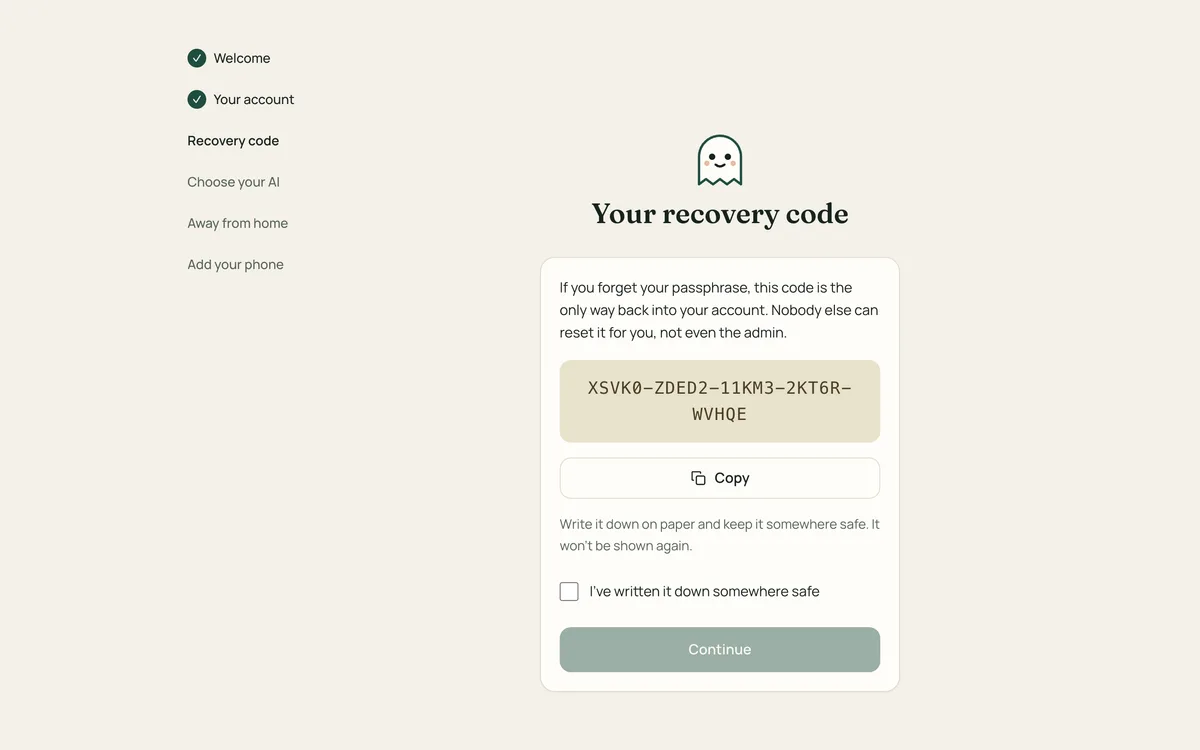
Write it down on paper and keep it somewhere safe, for example with your other important papers. Don't keep it only on the phone or computer you use Hemmia on.
If you use the code to set a new passphrase, you get a new code and the old one no longer works.
Backing up the hub
Everything your hub stores is in one data folder: accounts, chats, photos and documents. Back up that folder and you can restore the hub.
-
On a Mac: the folder is
Library/Application Support/Hemmiain the home folder of the user who installed Hemmia. Time Machine backs it up automatically, even while Hemmia is running. -
With Docker: the data is in the volume
hemmia-data. Stop the hub and copy the volume into an archive:docker compose stop hub docker run --rm -v hemmia_hemmia-data:/data -v "$PWD":/backup busybox tar czf /backup/hemmia-data.tar.gz -C /data . docker compose start hub
Moving to a new computer
Stop Hemmia on the old computer
Run the uninstaller there (see Updating and uninstalling). It removes the program; your data folder stays.
Copy the data folder
Copy the whole data folder to the same place on the new computer, in the home folder of the user who will run Hemmia there.
Install Hemmia on the new computer
Run the installer. It finds the data, starts the hub and skips the setup.
Accounts, chats and passphrases come along. With remote access (Hemmia Connect), the hub keeps its address, so phones keep working. With Tailscale, the new computer has its own Tailscale address: give it the old name in Tailscale, or connect the phones again. Local models aren't in the data folder; download them again in Settings → Models.
Chats on your phone
In phone mode, your chats are only on your phone. Use Settings → Export chats now and then to save them in a file, and Import chats to bring them back, for example on a new phone. See Hemmia on your phone.
The export file is not protected, so keep it somewhere safe. Your API key is not in it.